
See the Value-Added Steps in Your Flow Charts
Information changes and physical changes
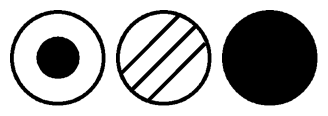
Where is the "value-added"?
Value-added is a critical process component that is missing from most process flow charts. Graham Process Maps, on the other hand, show every instance where data is added, deleted or used in an information process, and every time a part or product is physically altered in a manufacturing process.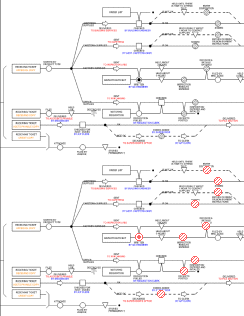
Value-added
Value-added in an information flow is new information -- when information is added or changed. It is displayed in a flow chart with an Add/Alter symbol
 with one exception -- the first time information is entered on
a document an Origination symbol
with one exception -- the first time information is entered on
a document an Origination symbol  is used. The Origination symbol makes it easy to find new items that are created in a process.
You can quickly spot the Origination symbol in the center of the illustration.
is used. The Origination symbol makes it easy to find new items that are created in a process.
You can quickly spot the Origination symbol in the center of the illustration.Value-added in a manufacturing flow is a physical change to a product that takes it a step closer to completion. It is represented with a Do symbol

All the other symbols are
Non-value-added steps. Handling operation symbols
 represent doing non-value-added work. These symbols tend to show up more often that any other.
They identify the setup and put away steps in manufacturing processes and
"paper shuffling" in information processes. By the way, keying through database screens,
doing lookups and other electronic activities that don't change the information are all handling steps.
represent doing non-value-added work. These symbols tend to show up more often that any other.
They identify the setup and put away steps in manufacturing processes and
"paper shuffling" in information processes. By the way, keying through database screens,
doing lookups and other electronic activities that don't change the information are all handling steps.
One special type of handling step is found only at the end of a process line. The Destroy symbol represents
an activity that causes the Item to cease to exist. Its purpose is to show
activities of purging and cleansing that are built into a system. There is one Destroy symbol in the illustration.
represents
an activity that causes the Item to cease to exist. Its purpose is to show
activities of purging and cleansing that are built into a system. There is one Destroy symbol in the illustration.
represent doing non-value-added work. These symbols tend to show up more often that any other.
They identify the setup and put away steps in manufacturing processes and
"paper shuffling" in information processes. By the way, keying through database screens,
doing lookups and other electronic activities that don't change the information are all handling steps.One special type of handling step is found only at the end of a process line. The Destroy symbol
represents
an activity that causes the Item to cease to exist. Its purpose is to show
activities of purging and cleansing that are built into a system. There is one Destroy symbol in the illustration.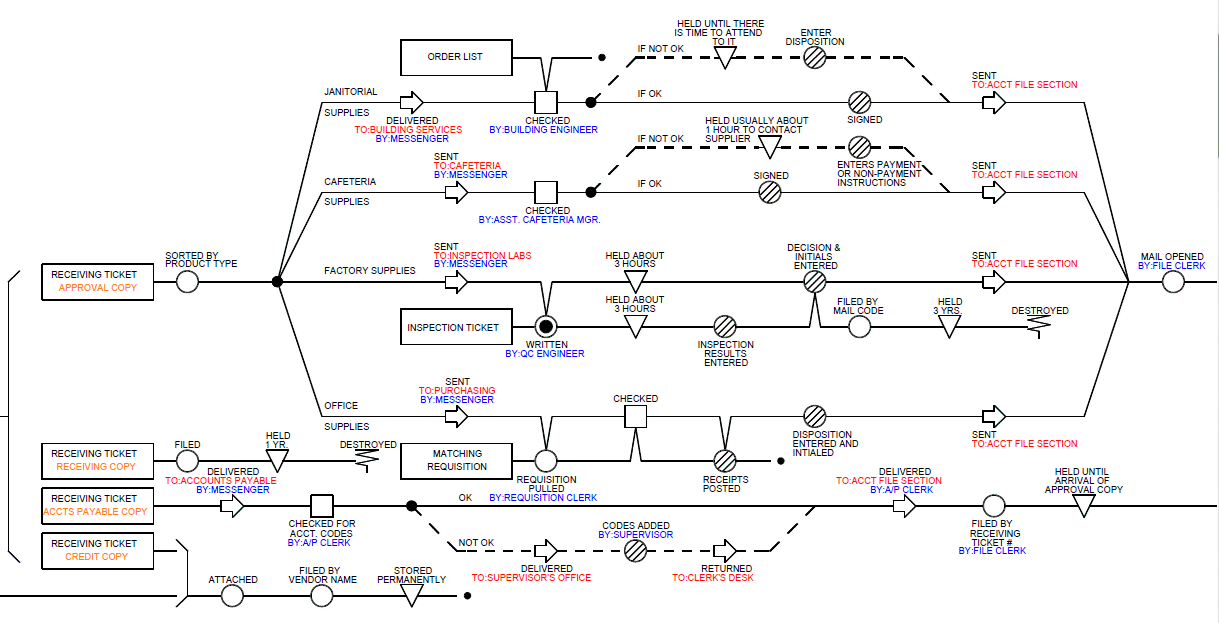
Graham Process Maps show the details.
Questions or Comments - Call 800-628-9558 or
send us a note